Training
Log every set, with last time's numbers beside it.
In Polaris you log each set as you go, with last time's numbers beside it, so you know what to beat. Rest timers, timed holds, a picture for every move and your personal bests are built in.
Get the app on iPhone21 days free, no card. Then $29.99 a month or $299.99 a year. 18+.
Training · 70 seconds
Read the transcript
Everyone needs strength training, and after forty it matters even more. Skip the expensive training app. Polaris has it built in. Start from a template, or an empty workout, and add any exercise from the library, or make your own. Log each set as you go, with last time's numbers beside it, so you know what to beat. Turn on rest after each set, and the timer starts as soon as you check one off. Need longer? Add thirty seconds, or skip it. Planks and wall sits get a big timer you can read from the floor. After your last set, rate how hard it felt, from easy to all out. Coach reads it. Not sure how a move goes? Tap its picture to see it step by step. Finish, and it's saved to your history, with every personal best you set. No second app to pay for. Just a coach who knows what you lifted, and what to lift next. Anything else? Just ask Coach.
Start
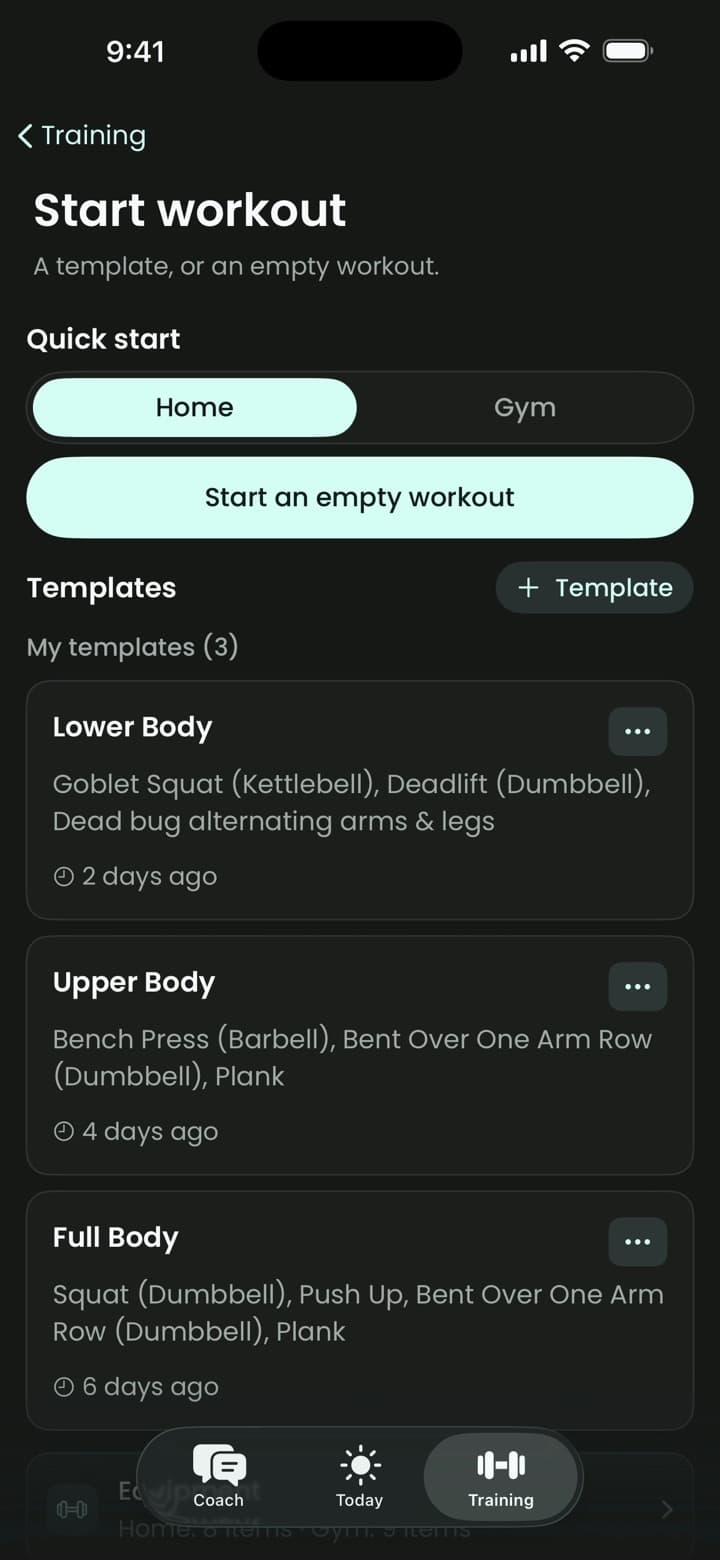
A template, or an empty workout.
Start from a template, or an empty workout, and add any exercise from the library, or make your own.
Log
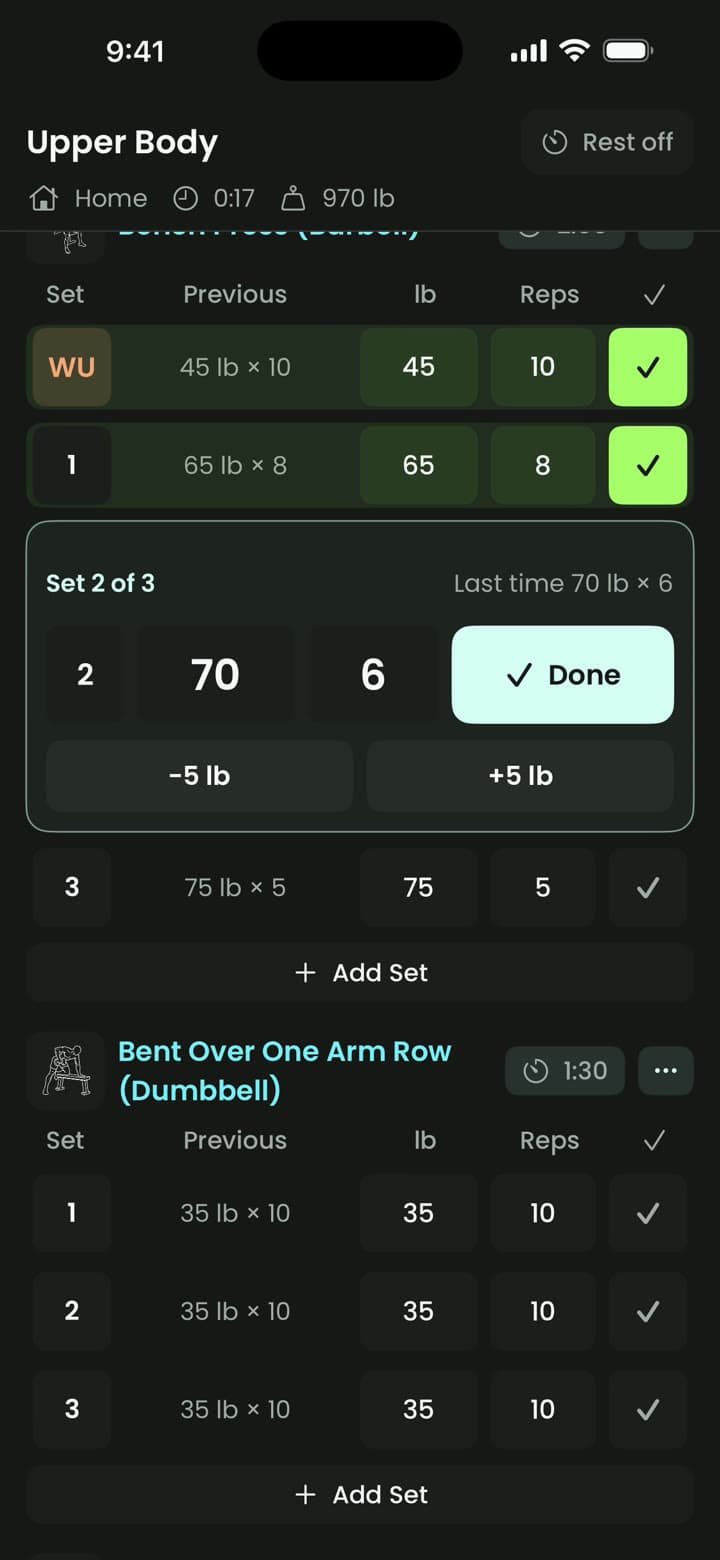
Know what to beat.
Log each set as you go, with last time's numbers beside it, so you know what to beat.
Rest
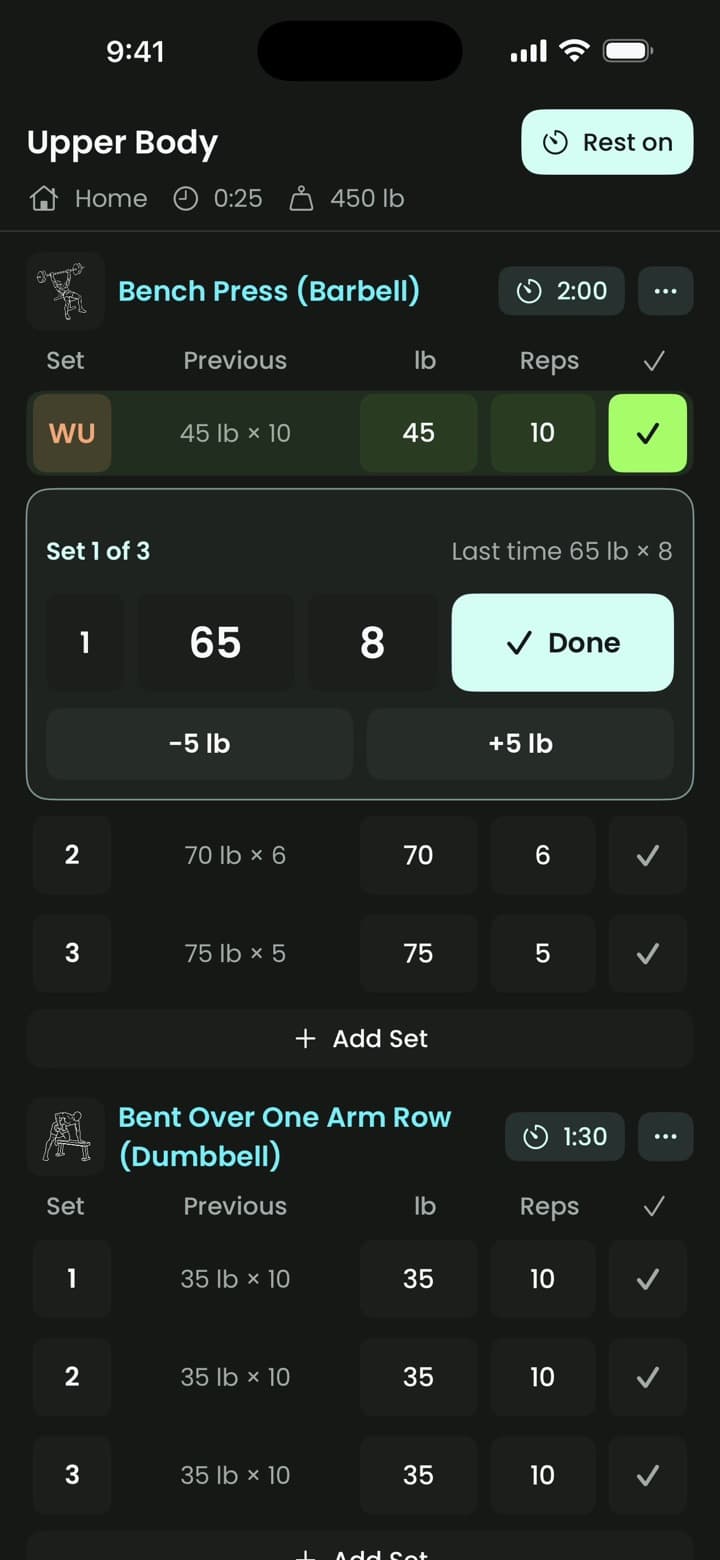
The timer starts as soon as you check a set off.
Turn on rest after each set. Need longer? Add thirty seconds, or skip it.
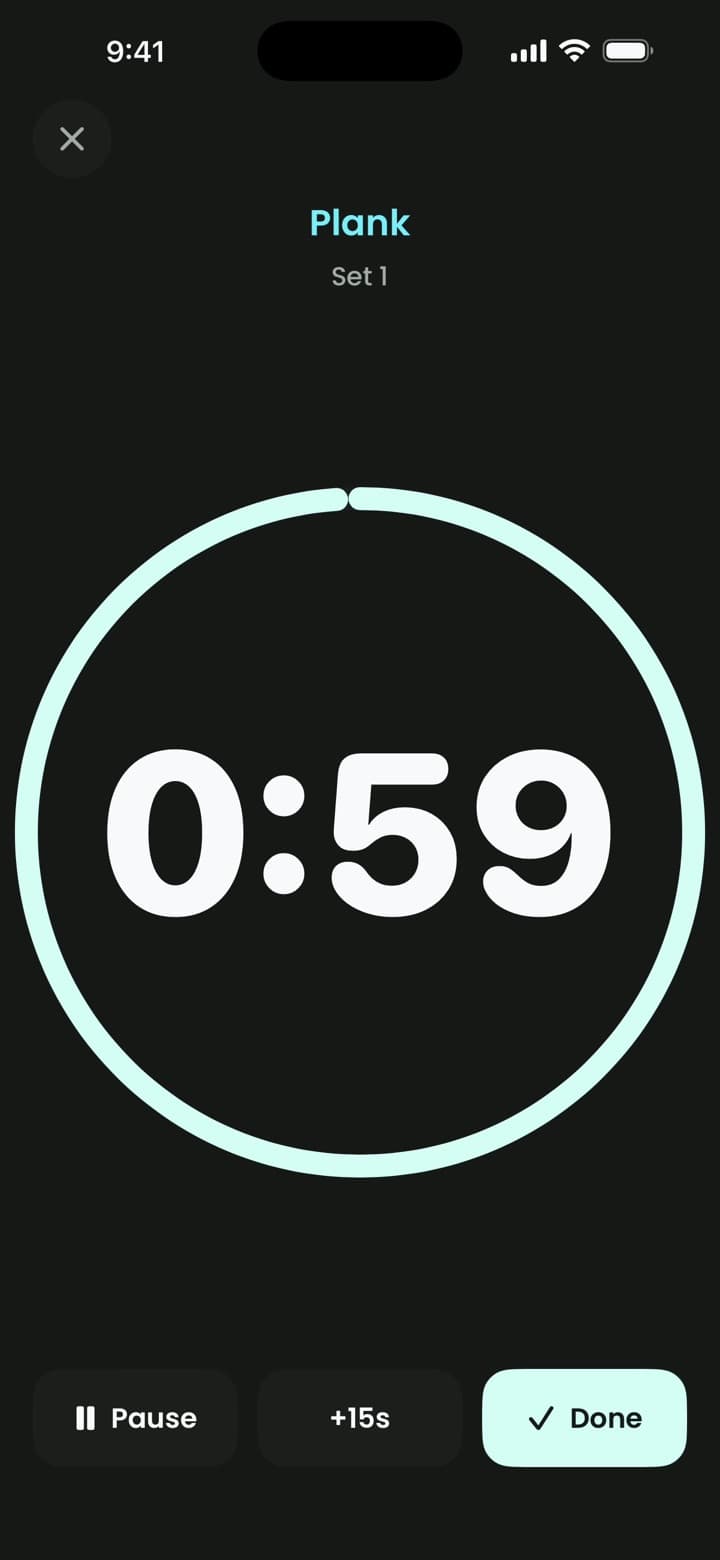
Timed sets
A big timer you can read from the floor.
Planks and wall sits get a timer that fills the screen.
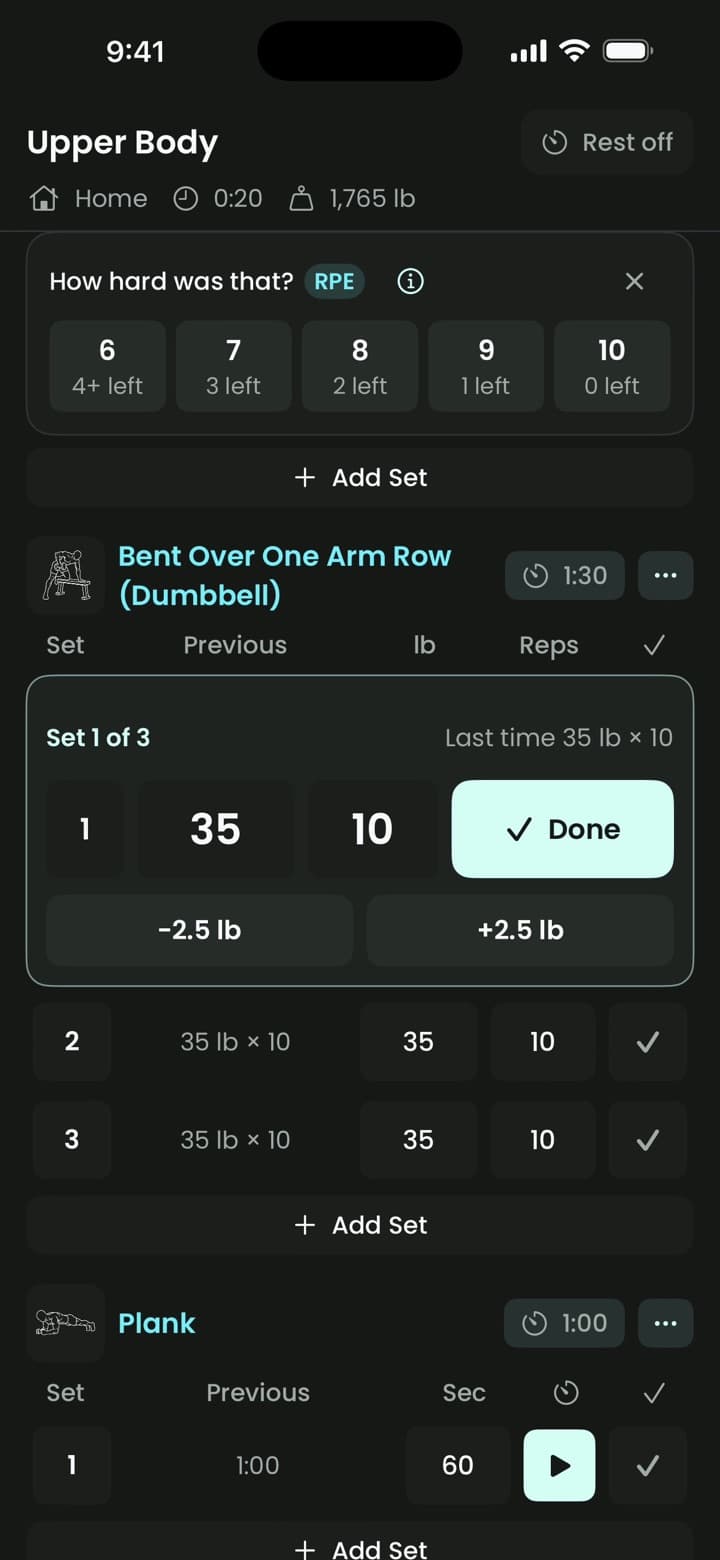
Effort
Rate how hard it felt.
After your last set, rate how hard it felt, from easy to all out. Coach reads it.
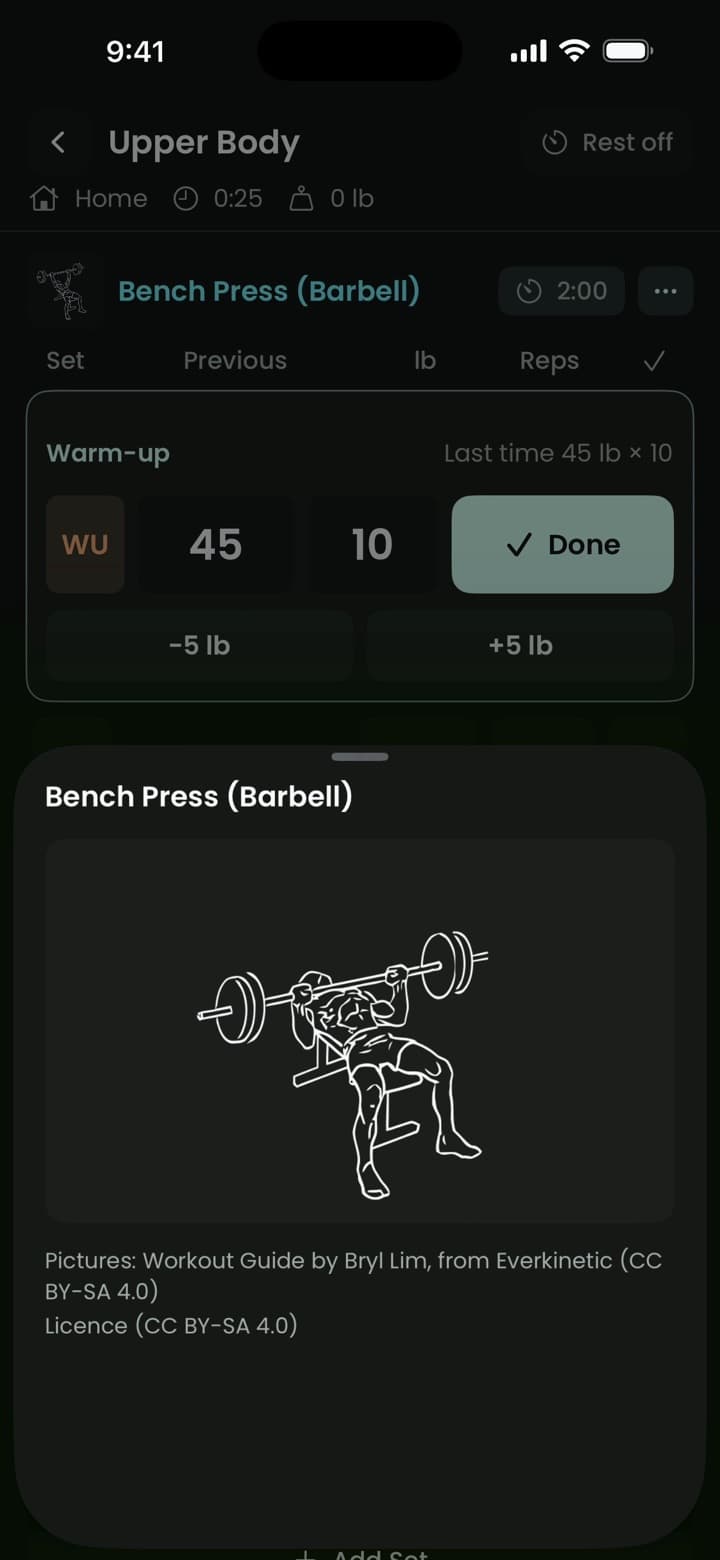
Pictures
Not sure how a move goes?
Tap its picture to see it step by step.
Finish
Saved to your history, with every personal best.
Finish, and Coach sees every set. It builds your next workout from them.
How Coach builds it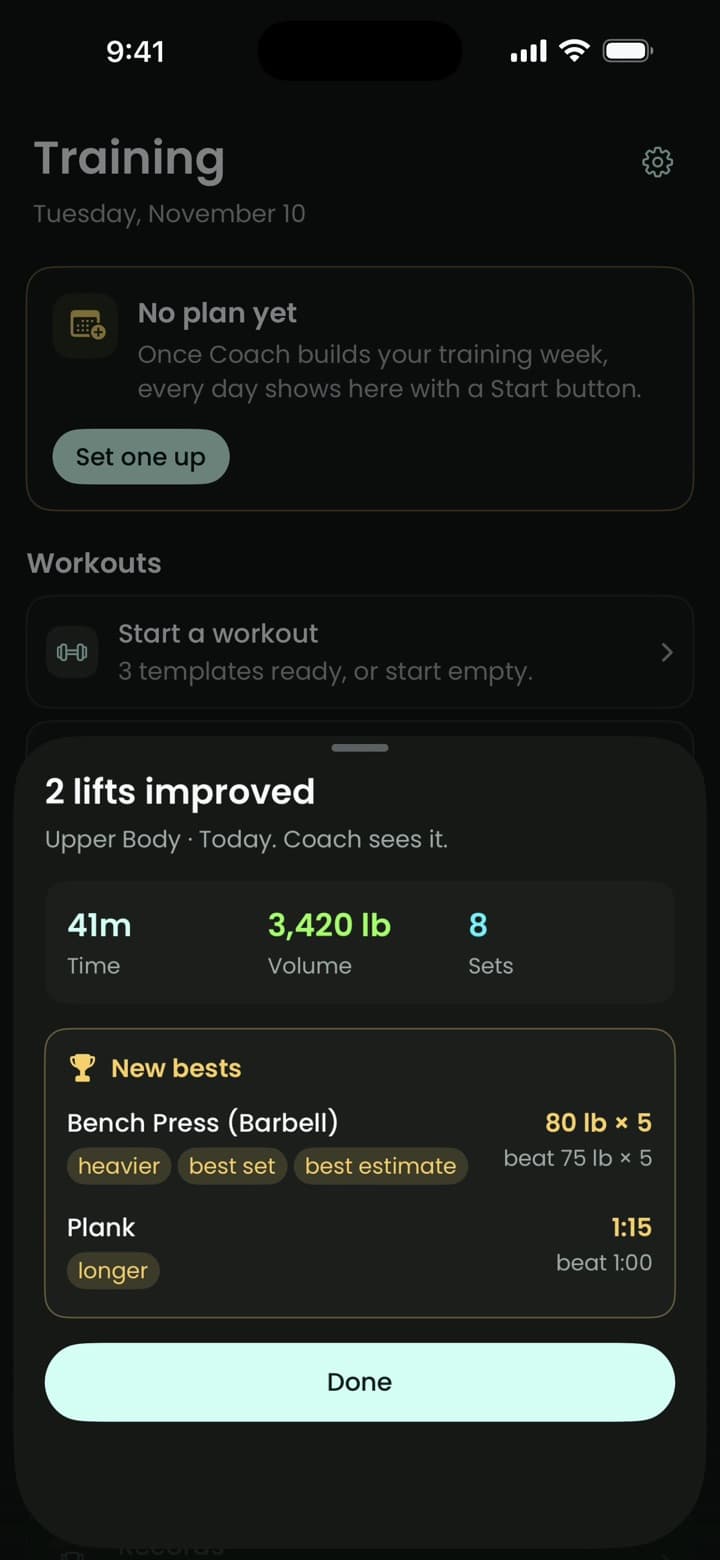
Exercise pictures: Workout Guide by Bryl Lim, from Everkinetic, CC BY-SA 4.0.
No second app to pay for. Just a coach who knows what you lifted, and what to lift next.
Training questions
Can I add my own exercises?
Yes. Add any exercise from the library, or make your own.
Does Polaris have a rest timer?
Yes. Turn on rest after each set, and the timer starts as soon as you check one off. Add thirty seconds, or skip it.
Does Polaris track personal bests?
Yes. Finish a workout, and it's saved to your history, with every personal best you set.
I have never lifted. Where do I start?
Start from a template, or ask Coach to build today's workout. Tap a move's picture to see it step by step.
Do I need a gym?
No. Coach builds for the equipment you have and the time you've got.
Is Training part of the trial?
Yes. Training is in the 21-day trial and the subscription.