
For perimenopause strength
Some weeks you're wiped. Your strength sessions stay on the calendar.
A few rough nights can throw off your training week, and it's hard to know whether to push or ease off. Polaris keeps your strength sessions in the week, lets recovery shape each day, and listens to how you describe things in your own words. Get the app on iPhone and tell Polaris what you're training for.
- Strength first
- Recovery counts
- In your own words
Free. Sign up in the iPhone app with Sign in with Apple. No form, no invite code.
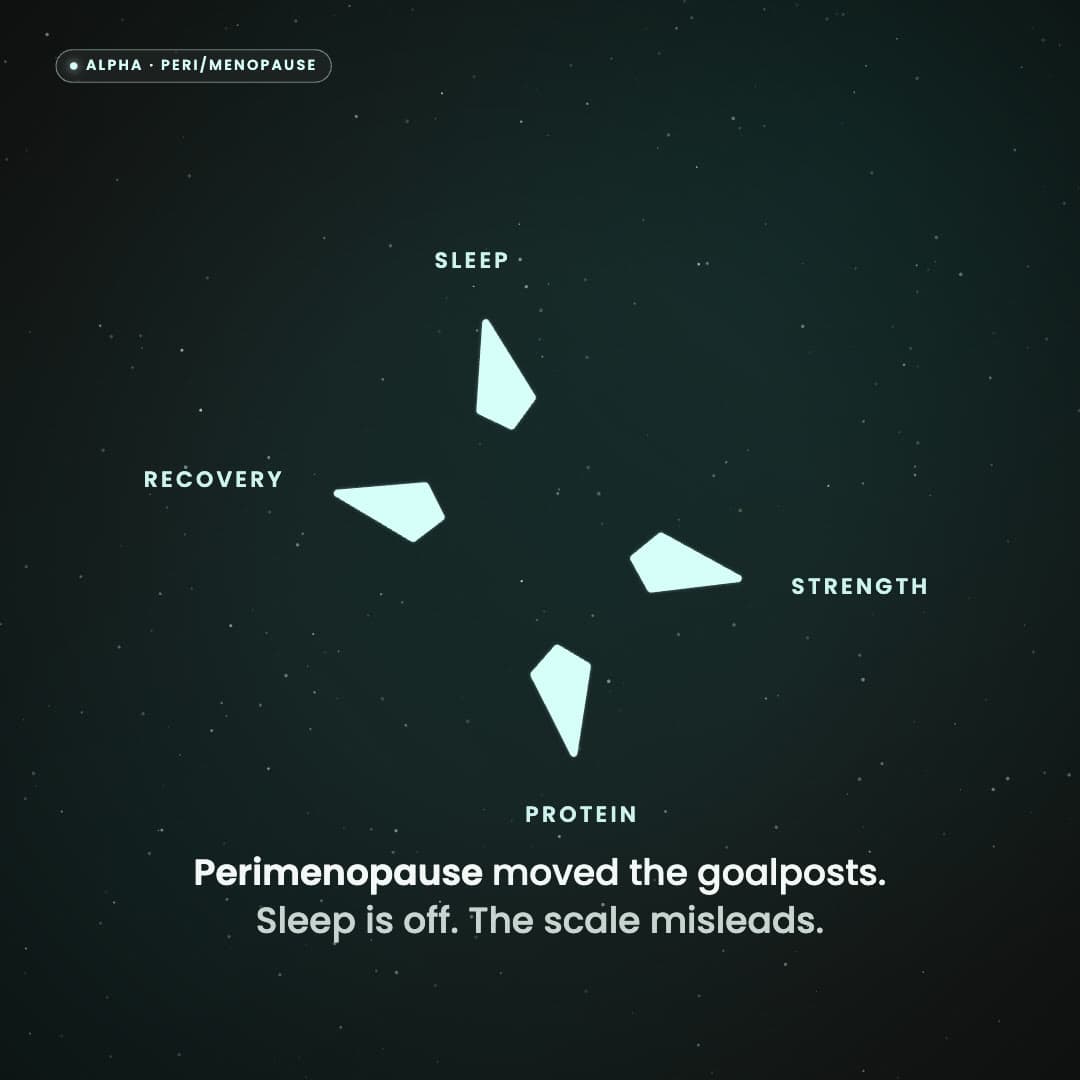
Perimenopause moved the goalposts. Sleep is off. The scale misleads. Polaris sees the whole picture. Meet Coach: strength stays protected, recovery gets a say. One call for today. Alpha testers needed: women 40+, peri/menopause, strength first. iPhone, Apple Health, invite-only. Polaris. Find your North Star. Stay the course.
What Polaris does
- Keeps your strength sessions on the calendar, so a busy or tired day gets a shorter lift and the session stays in.
- Reads your sleep and recovery, so a rough night adjusts today's dose and the rest of your week stays put.
- Keeps protein in the picture every day.
- Reads the scale as one signal next to your strength and consistency, then suggests what to adjust this week.
What it won't do
- Guess what's going on from your age or your data. You tell Polaris in your own words.
- Give medical advice. Polaris is your coach for everyday habits. Bring medical questions to your clinician.
- Advise on medication or supplements, or diagnose anything.
Not quite you? Getting back in shape after 40
Questions
- Do I need to know which stage I'm in?
- No. You tell Polaris what's going on in your own words. It never guesses your stage from your age or your data. Get the app on iPhone and tell Polaris what you're training for.
- What do I need to join the Alpha?
- An iPhone with Apple Health. Tap Get the app on iPhone: TestFlight installs Polaris, then you sign up in the app with Sign in with Apple. No invite code. Android isn't supported yet.
- Do I need an invite?
- No. There's no application and no code. Install the app from our TestFlight link and sign up in the app. The Alpha has a limited number of places while it runs on TestFlight.
Is this Alpha right for you?
Who it's for
You have a goal you're serious about, whether you're starting over or already training. You may have a full plan, a partial plan, or simply a clear place to start. You want help turning the whole picture into consistent action.
Who it's not
- People hunting a generic workout or meal generator
- People who want to collect data and leave it there
- Anyone who needs a human coach as the product
- Anyone using an Android device
Get the app on iPhone
No form and no invite code. Install Polaris from TestFlight on your iPhone, then sign up in the app with Sign in with Apple.
Is Alpha really free?
Yes. Free for as long as Alpha runs.
No card, no trial that turns into a bill. You can stop or delete your account any time.
Why free? You're early. Polaris is still being built, and your feedback shapes what it becomes. You get Coach first; we get honest answers. That's the whole deal.
What comes next: every Alpha member moves into the Beta. Polaris will be paid eventually, likely around $29.99 a month, with founding-member pricing for early members. You'll never be charged unless you choose to sign up.
Alpha requirement
Alpha runs on iPhone, with Apple Health syncing through the Polaris app.
- Apple Health on your iPhone
- TestFlight installed, then Polaris from our link
- Sign in with Apple in the app. No invite code
A few extra steps while we're in TestFlight. You sign up in the Polaris app, which walks you through Apple Health, and the app is required for this Alpha. Get the app on iPhone to get started.
Get the app
- Tap the button on your iPhone. It opens Polaris in TestFlight.
- Install TestFlight if Apple asks, then install Polaris.
- Open Polaris and sign in with Apple. Your account is made right there.
On a computer? Open this page on your iPhone, or tap the button and follow Apple's steps.