
Polaris alpha
Welcome to the alpha.
Thanks for testing Polaris. Start with the short welcome from Jason, then follow the five films in order. Setup takes about five minutes on your iPhone.
You need two things
- Open the TestFlight link
Opens Apple's TestFlight app, where you install Polaris. Open it on your iPhone.
Your invite code is in the email from Polaris. It works once and lasts 14 days.
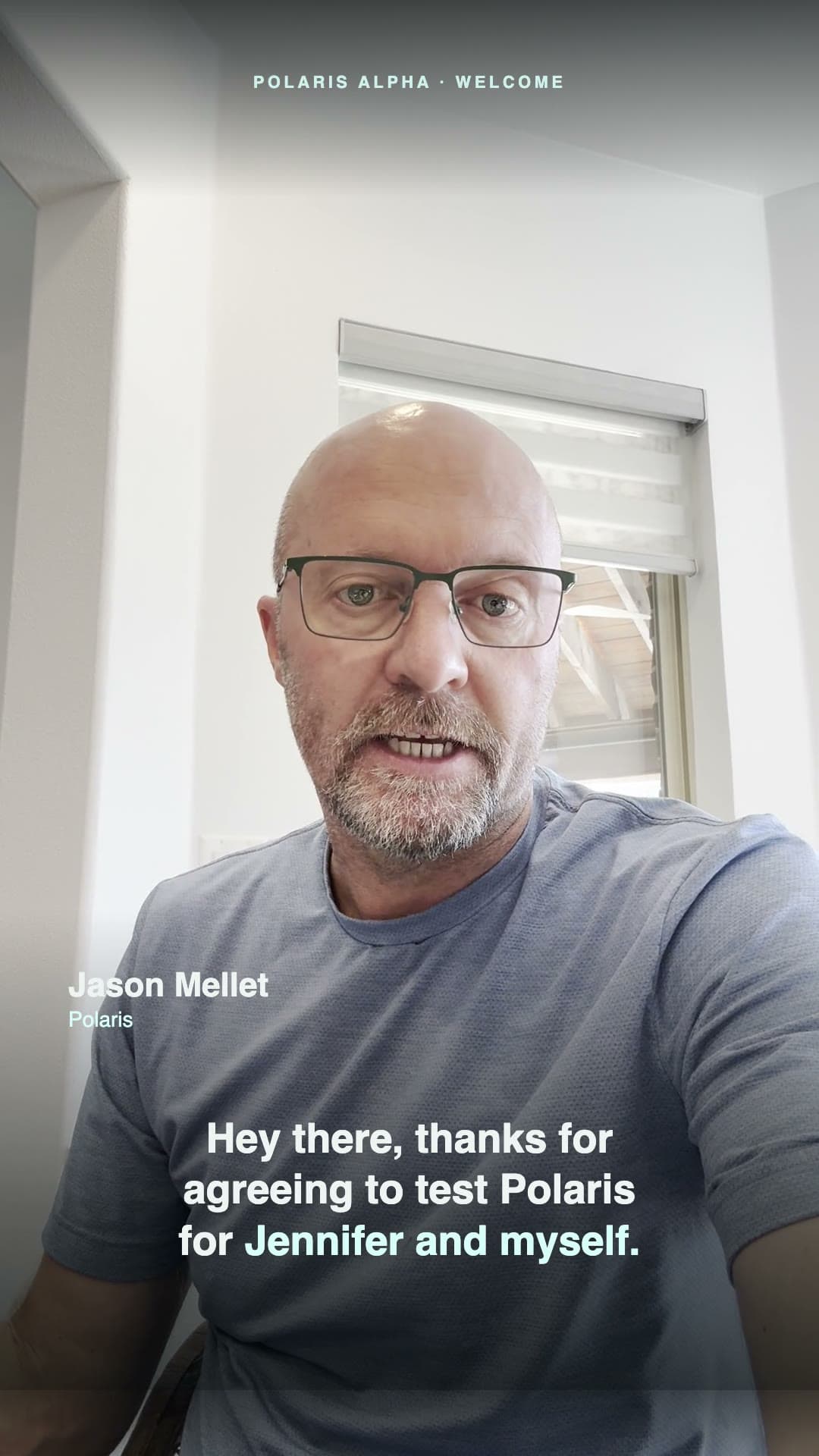
Hey there, thanks for agreeing to test Polaris for Jennifer and myself. This is an early alpha test, so things may break, but that's what you're here for. So please give us your candid feedback as soon as anything goes wrong. Thanks and talk soon. Bye.
Five films, in order
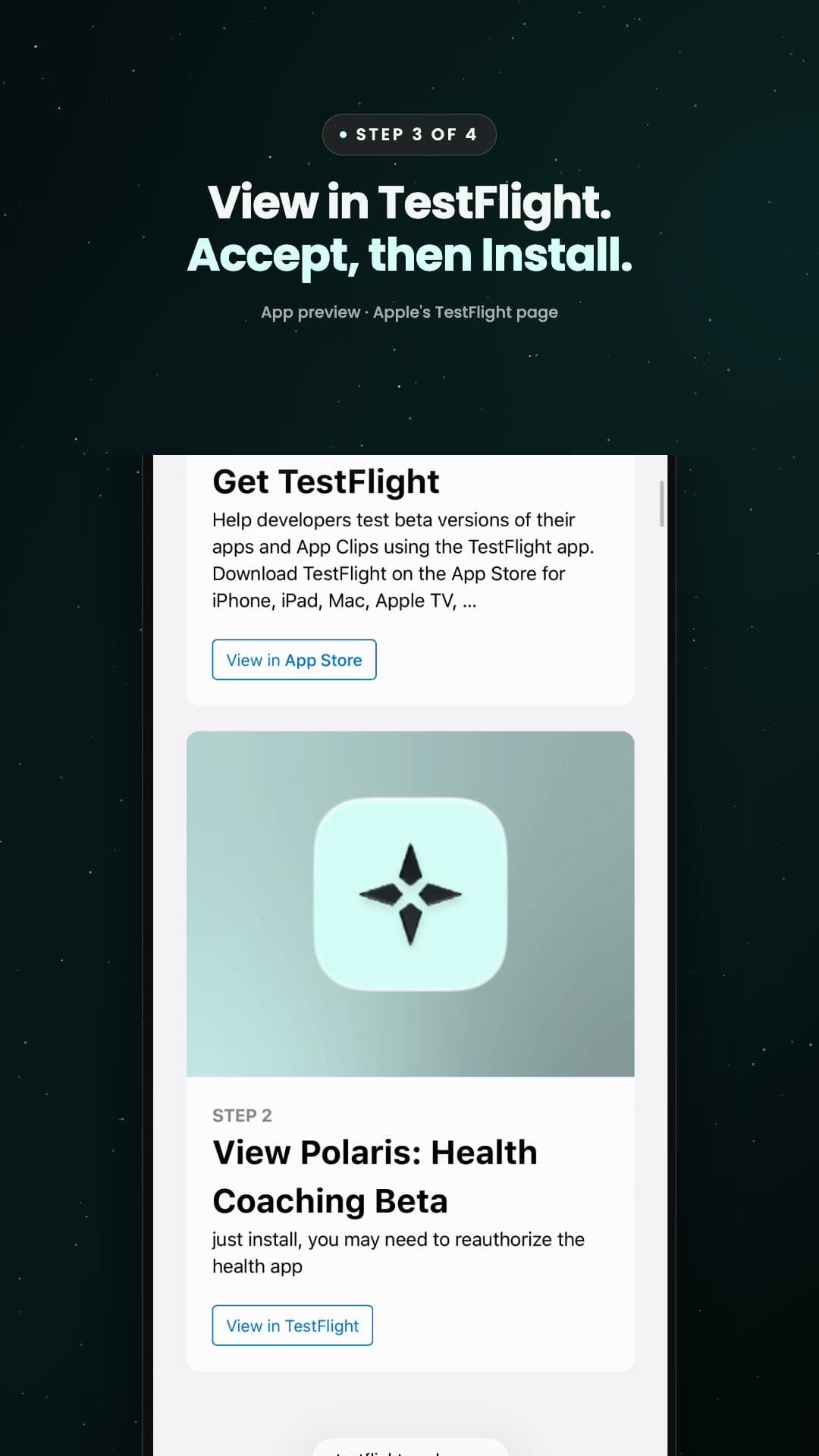
First, let's get the app onto your iPhone. You'll need two things: the TestFlight link, and your invite code. On your iPhone, open the alpha page from your invite email, and tap Open the TestFlight link. Apple's page shows two steps. Step one: get the TestFlight app from the App Store, if you don't have it yet. Step two: come back to this page and tap View in TestFlight. Then tap Accept, and Install. When it's installed, find the app on your home screen and open it. Next up, signing in. Anything else? Just ask Coach.
Film 1 · 38 secInstall Polaris
Install Polaris from Apple's TestFlight, on your iPhone.
- Open this page on your iPhone, then tap Open the TestFlight link.
- No TestFlight yet? Get it from the App Store first.
- Back on the link, tap View in TestFlight, then Accept and Install.
- Open Polaris from your Home Screen.
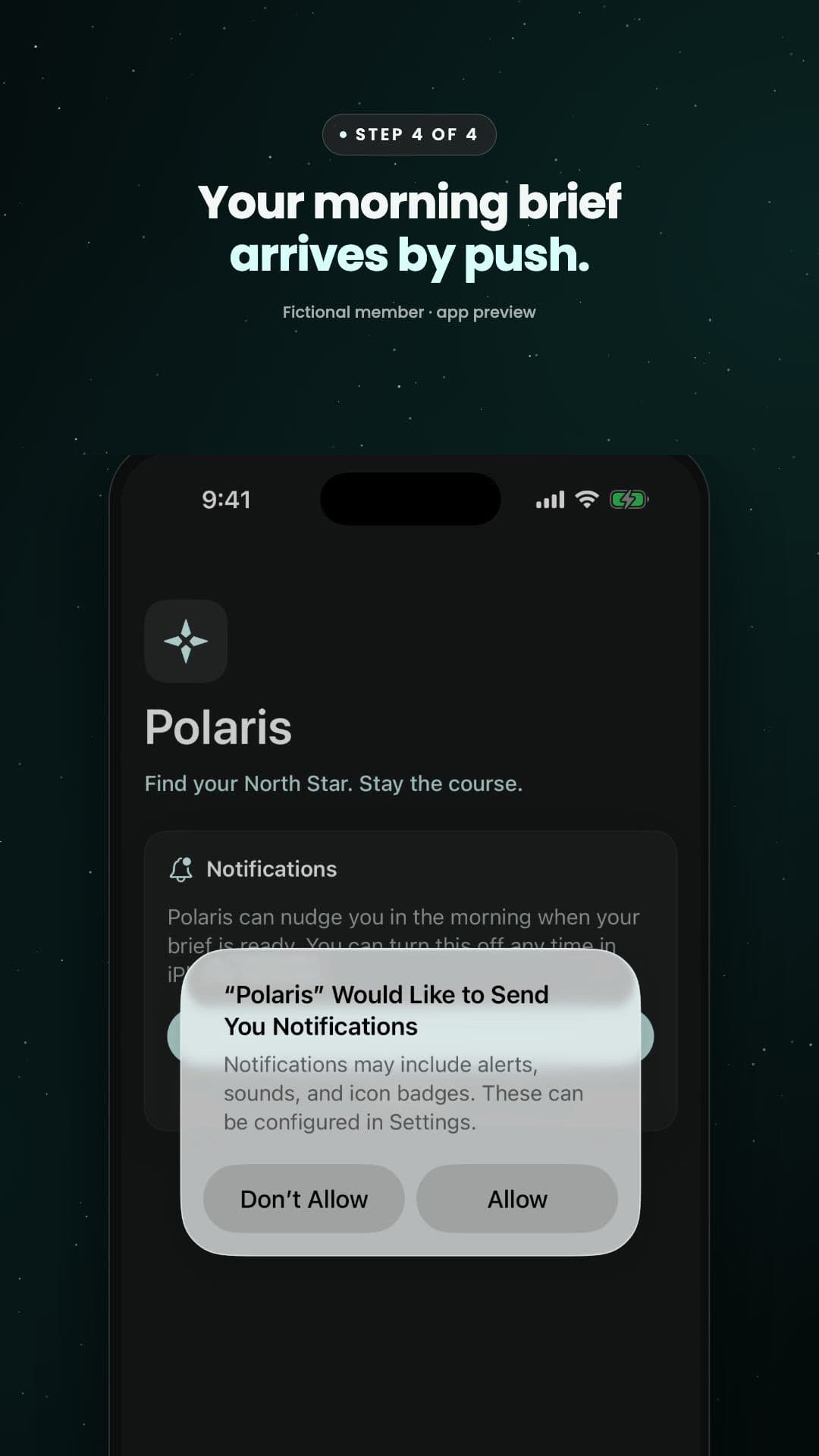
Okay, let's get you signed in. Have your invite code handy, it only takes a minute. Open the app and tap Sign in with Apple. Apple asks whether to share or hide your email, and either one works. Next, type in the invite code from your email, and tap Continue. Now take a moment to read how Coach uses AI, and what it sends to write your replies. When you're happy, tap Agree. Then allow notifications. That's how your morning brief reaches you each day. Apple will ask too, so tap Allow. Anything else? Just ask Coach.
Film 2 · 39 secSign in
Sign in with Apple, type your invite code, then say yes to two things.
- Tap Sign in with Apple. Sharing or hiding your email both work.
- Type your invite code, then Continue.
- Read how Coach uses AI, then Agree.
- Allow notifications, then Allow on Apple's alert. That's how your morning brief arrives.
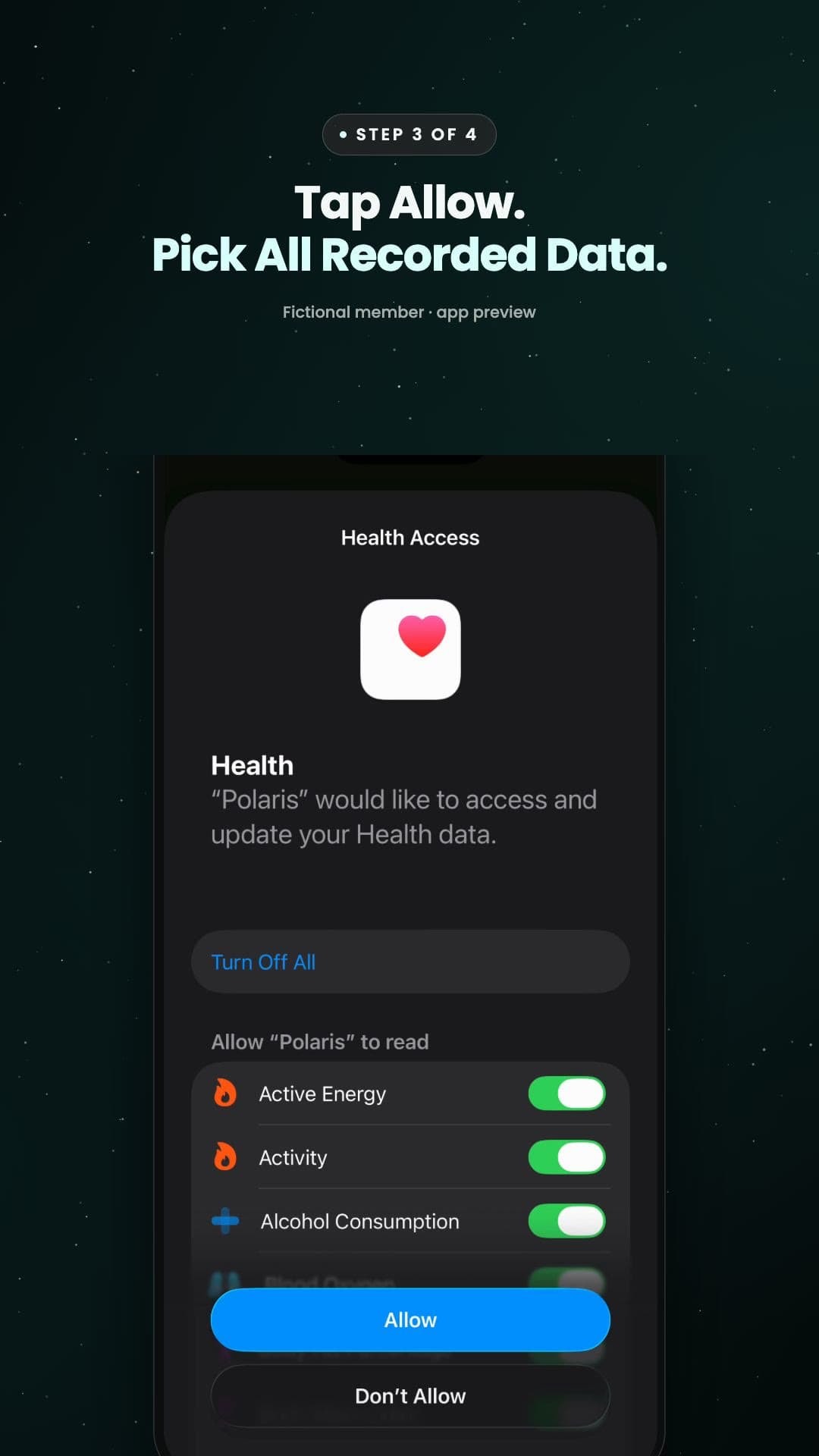
Okay, let's get Apple Health turned on. It's how Coach sees your day, so it's worth a minute. Right after you sign in, a few short cards explain the deal. When you're ready, tap I'm in. Then pick where you're starting from. Don't overthink it, Coach learns the rest. Next you'll see Connect Apple Health. Sleep, workouts and heart rate make the biggest difference, so go ahead and tap it. Now Apple asks what Coach can read. It's a long list, so just tap Turn On All, right at the top. Every switch flips on. Coach only reads this, it never writes to your Health data. Tap Allow, and if Apple asks how much to share, pick All Recorded Data. And if you tapped Don't Allow by mistake, that's fine. Setup simply waits here. Tap Open Health app, then your profile picture, then Apps. Turn on what you're comfortable with, and come back. Anything else? Just ask Coach.
Film 3 · 59 secTurn on Apple Health
A few short cards, then Apple's Health sheet. Polaris only reads Apple Health and never writes to it. Oura, Garmin or Strava data reaches it only if those apps share to Apple Health.
- Tap I'm in, pick where you're starting from, then Next.
- Tap Connect Apple Health.
- On Apple's sheet, tap Turn On All, then Allow.
- If Apple asks how much to share, pick All Recorded Data so Coach sees your history.
- Said no by mistake? In the Health app, tap your profile, then Apps › Polaris, and turn it on.
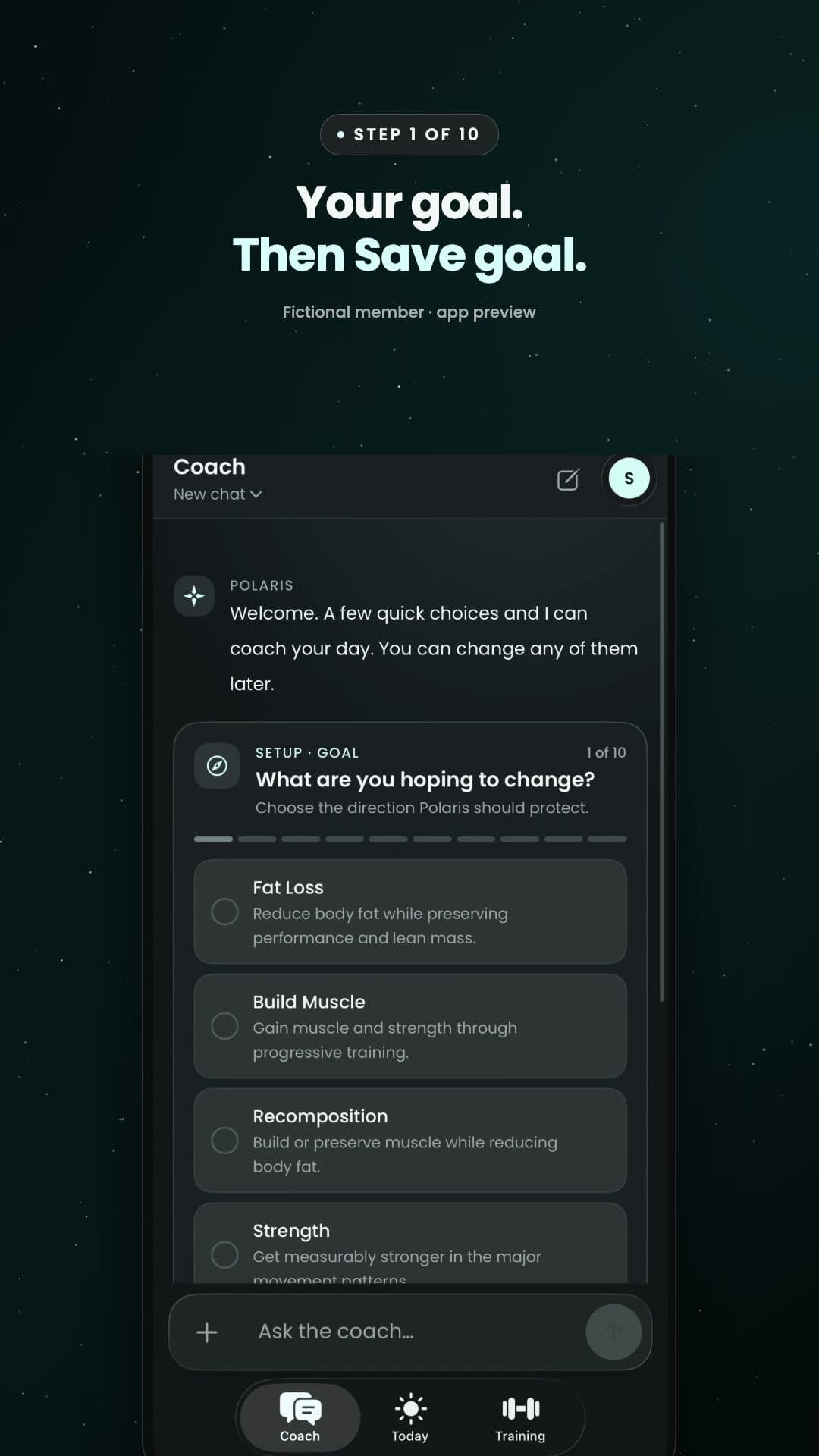
Now let's set Coach up. It's about ten quick questions, and each one only takes a few seconds. First, your goal. Pick the one that fits you best, then tap Save goal. Then tell it what you already do. Pick as many as apply. When can you actually train? Answer for a normal week, not your best one. If there's anything to work around, like an old injury, say so here. Coach plans around it. Then choose how hard Coach should push at the start, and a focus. Pick how food fits in, and Coach suggests starting targets from your goal and your weight. Add anything you take most days, like creatine. Or just tap Nothing right now. Tell Coach what you wear. It reads all of it through Apple Health. And last, take the recommended week, and try it for thirty days. You can skip any question, and change your answers anytime. Anything else? Just ask Coach.
Film 4 · 1 min 7 secCoach setup
About ten quick questions, one card at a time. Answer what's true today, not your best week.
- Pick your goal, then Save goal.
- Tell Coach what you already do and when you can train.
- Add anything to work around, how hard to push, and how food fits in.
- Add what you take most days and what you wear.
- Take the recommended week and try it for 30 days. Skip any card with Later.
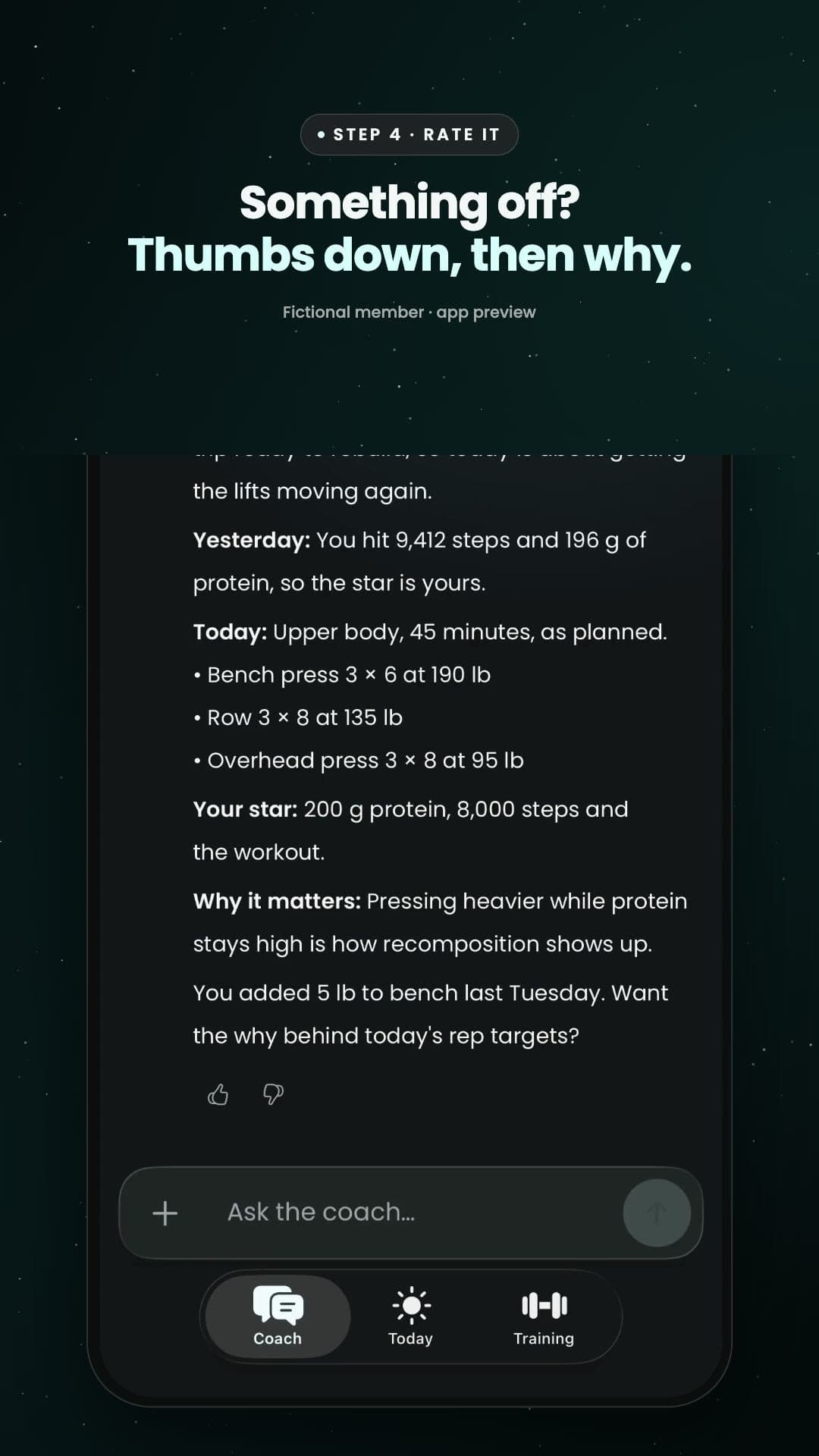
Here's your first morning brief. It's the one daily habit the alpha asks of you. When you get up, weigh in. A smart scale sends it to Apple Health on its own. No smart scale? Any scale works, then just add your weight in the Health app. Weigh in first, so your brief has today's number. Then tap the morning push. Coach reads your weight, last night's sleep and your recovery, and gives you one plan for today. Not a lecture. Then tell Coach how that brief landed. Spot on? Tap thumbs up. Something off? Tap thumbs down, pick what was off and which part, then Send. That's how Coach gets better. Then go do it. Today's workout starts right from Today. And if you miss the push, just open Coach and tap Start brief. Anything else? Just ask Coach.
Film 5 · 1 min 2 secYour first morning brief
The one daily habit the alpha asks for: weigh in, then read your morning brief.
- When you get up, step on the scale. No smart scale? Add your weight in the Health app.
- Tap the morning push. Coach reads your weight and your night and makes one plan for today.
- Rate the brief: thumbs up, or thumbs down and what was off.
- Start today's workout right from Today.
- Missed the push? Open Coach and tap Start brief.
Something broke, or Coach got it wrong?
Text Jason a screenshot. That's the most useful thing you can do as a tester.
Sam is fictional, and so are the numbers. Everything else is the Polaris iPhone app as it works today.